



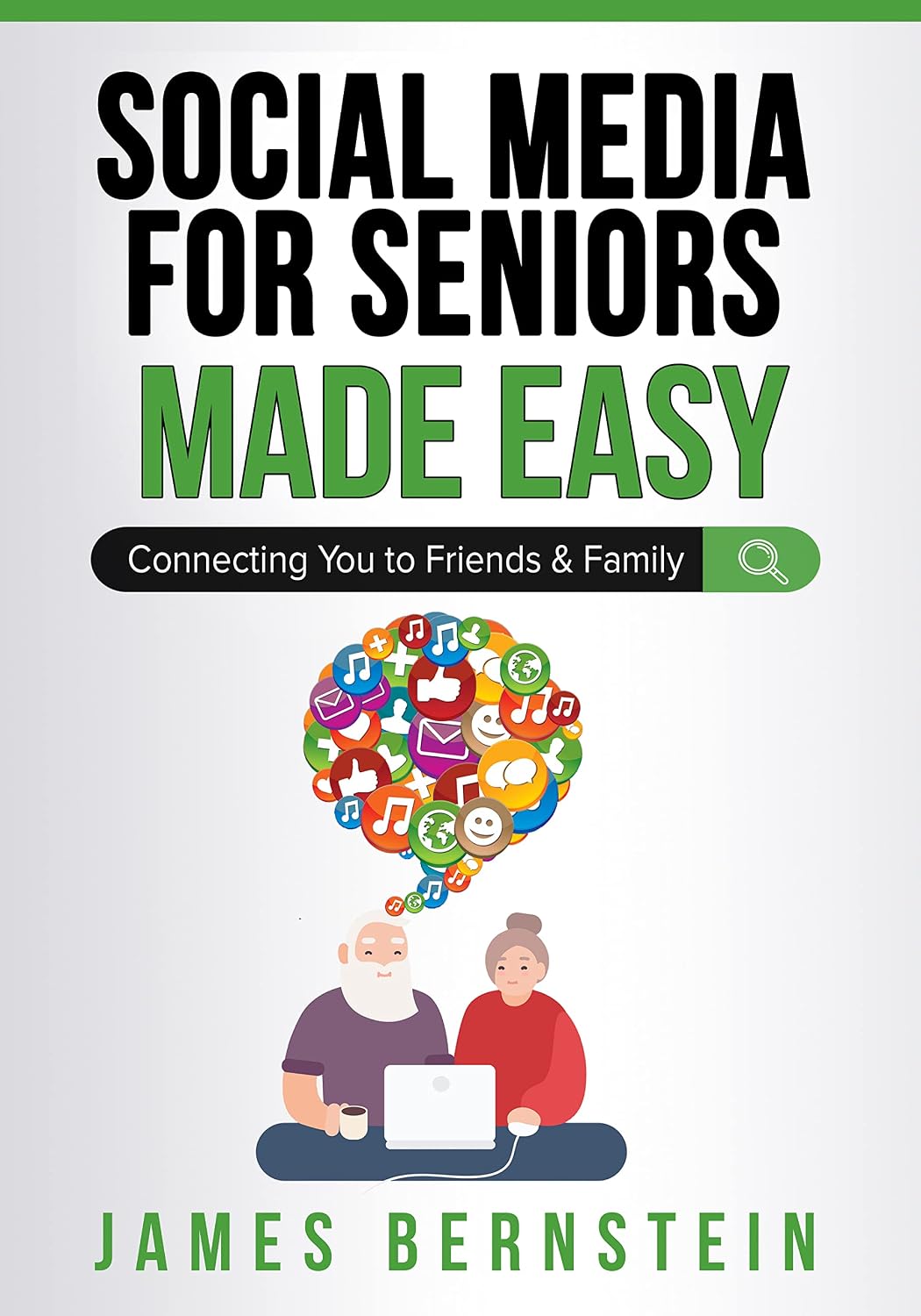
Social Media for Seniors Made Easy: Connecting You to Friends and Family (Computers for Seniors Made Easy Book 2)

 4.5 (53 items)
 Limited Time Sale
Free cash-on-delivery fees for purchases over $99
Product details
| Management number | 233638775 | Release Date | 2026/06/27 | List Price | $90.00 | Model Number | 233638775 | ||
|---|---|---|---|---|---|---|---|---|---|
| Category | |||||||||
Not just for seniors!If you want to keep in touch with family and friends these days, it’s a must to have some type of social media account to do so. This even applies to those who work for themselves and have their own business since many people use these platforms for just about everything. If you are the type who just likes to see what others are up to and what they are discussing or sharing then using social media is the way to accomplish this as well.There are many social media platforms, and they all have features that apply to some people but maybe not for others. This is why it’s a good idea to try out multiple types to find what works the best for you. You can sign up for as many social media accounts as you like and simply cancel any that don’t appeal to you. But most importantly, you will need to know how to use these accounts in order to enjoy all the benefits they have to offer.This goal of this book is to help you up and running with the most popular social media platforms in use today. I will cover the basics (in detail) to better help you understand how to accomplish things such as signing up for accounts, creating profiles, making posts, sharing photos, configuring settings and much more. The book takes a step by step approach with easy to follow examples so that anyone at any skill level can easily follow along.The chapters in the book cover the following topics:Chapter 1 - Social Media OverviewChapter 2 - FacebookChapter 3 - InstagramChapter 4 - TwitterChapter 5 - PinterestChapter 6 - YouTubeChapter 7 - WhatsAppChapter 8 - Staying Safe OnlineAbout the AuthorJames Bernstein has been working with various companies in the IT field since 2000, managing technologies such as SAN and NAS storage, VMware, backups, Windows Servers, Active Directory, DNS, DHCP, Networking, Microsoft Office, Exchange, and more.He has obtained certifications from Microsoft, VMware, CompTIA, ShoreTel, and SNIA, and continues to strive to learn new technologies to further his knowledge on a variety of subjects.He is also the founder of the website OnlineComputerTips.com, which offers its readers valuable information on topics such as Windows, networking, hardware, software, and troubleshooting. Jim writes much of the content himself and adds new content on a regular basis. The site was started in 2005 and is still going strong today. Read more
| ASIN | B09KYHDH1H |
|---|---|
| XRay | Not Enabled |
| Language | English |
| File size | 94.3 MB |
| Page Flip | Enabled |
| Word Wise | Not Enabled |
| Book 2 of 15 | Computers for Seniors Made Easy |
| Print length | 276 pages |
| Accessibility | Learn more |
| Screen Reader | Supported |
| Publication date | November 2, 2021 |
| Enhanced typesetting | Enabled |





Correction of product information
If you notice any omissions or errors in the product information on this page, please use the correction request form below.
Correction Request Form